pySimBlocks Documentation
pySimBlocks is a block-diagram simulation framework for control-oriented workflows. You can build models directly in Python or assemble them visually in the graphical editor, then run the same discrete-time simulation engine in both cases.
The documentation is organized to help different kinds of readers get to the right page quickly.
Key Features
Block-diagram modeling in Python with explicit signal connections
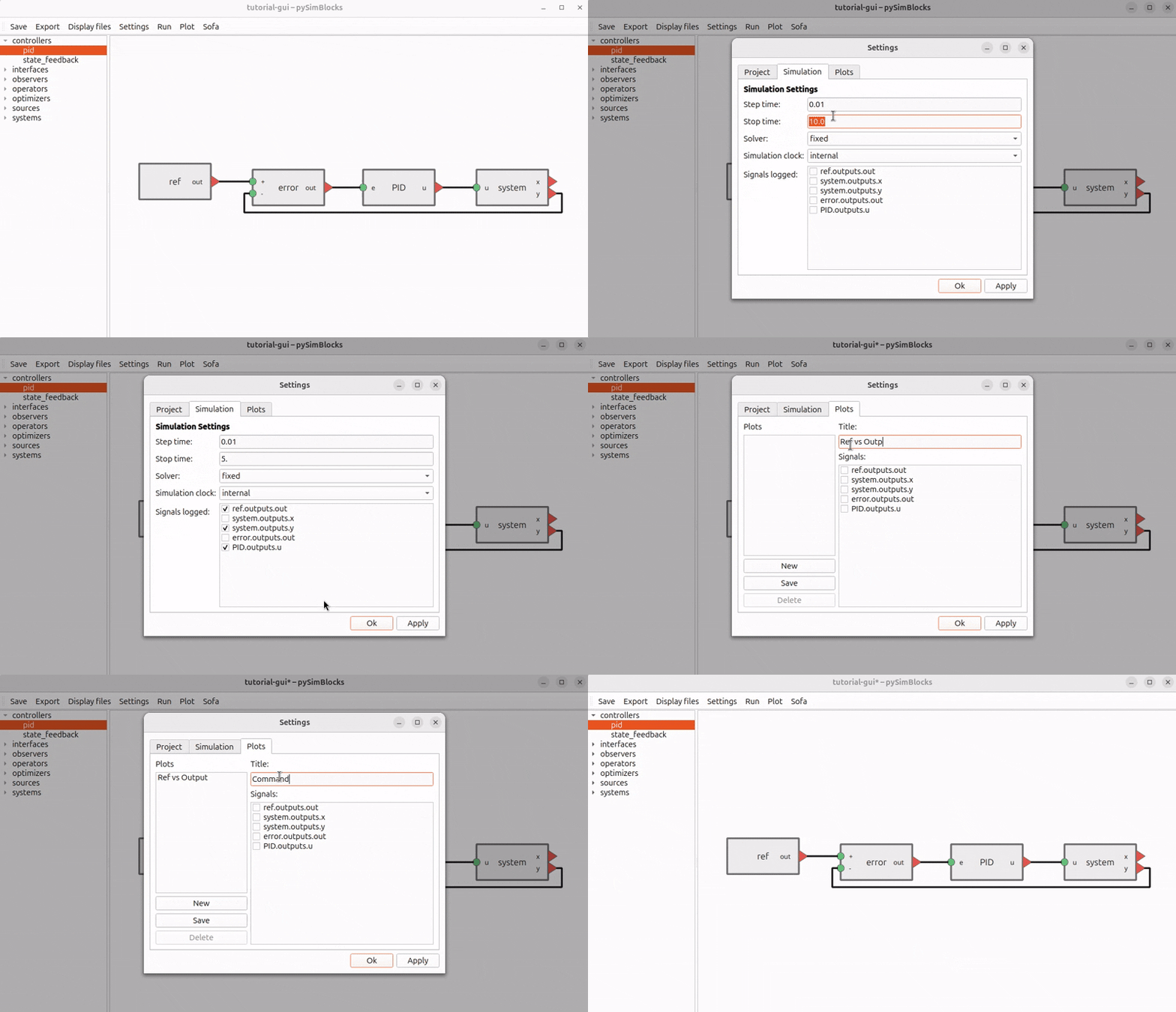
Graphical editor for building and configuring models visually
Shared discrete-time execution engine across Python and GUI workflows
YAML project files and exportable Python runners
Logging, plotting, and project-based simulation workflows
Optional SOFA integration for coupled simulation
Where Should I Start?
If you want to install pySimBlocks and run a first example, start with Installation and Quick Start.
If you want a guided learning path, continue with Tutorials.
If you want to work primarily from Python code, the tutorials begin with a pure Python example before moving to the GUI.
If you want the reference for modules, classes, and functions, go to API Reference.
Documentation Overview
The User Guide covers installation, a quick start, and progressive tutorials.
The API Reference documents the Python package structure and public objects.